Solar used at home
When generation and household demand coincide, some of that demand can be met by solar instead of imported electricity.

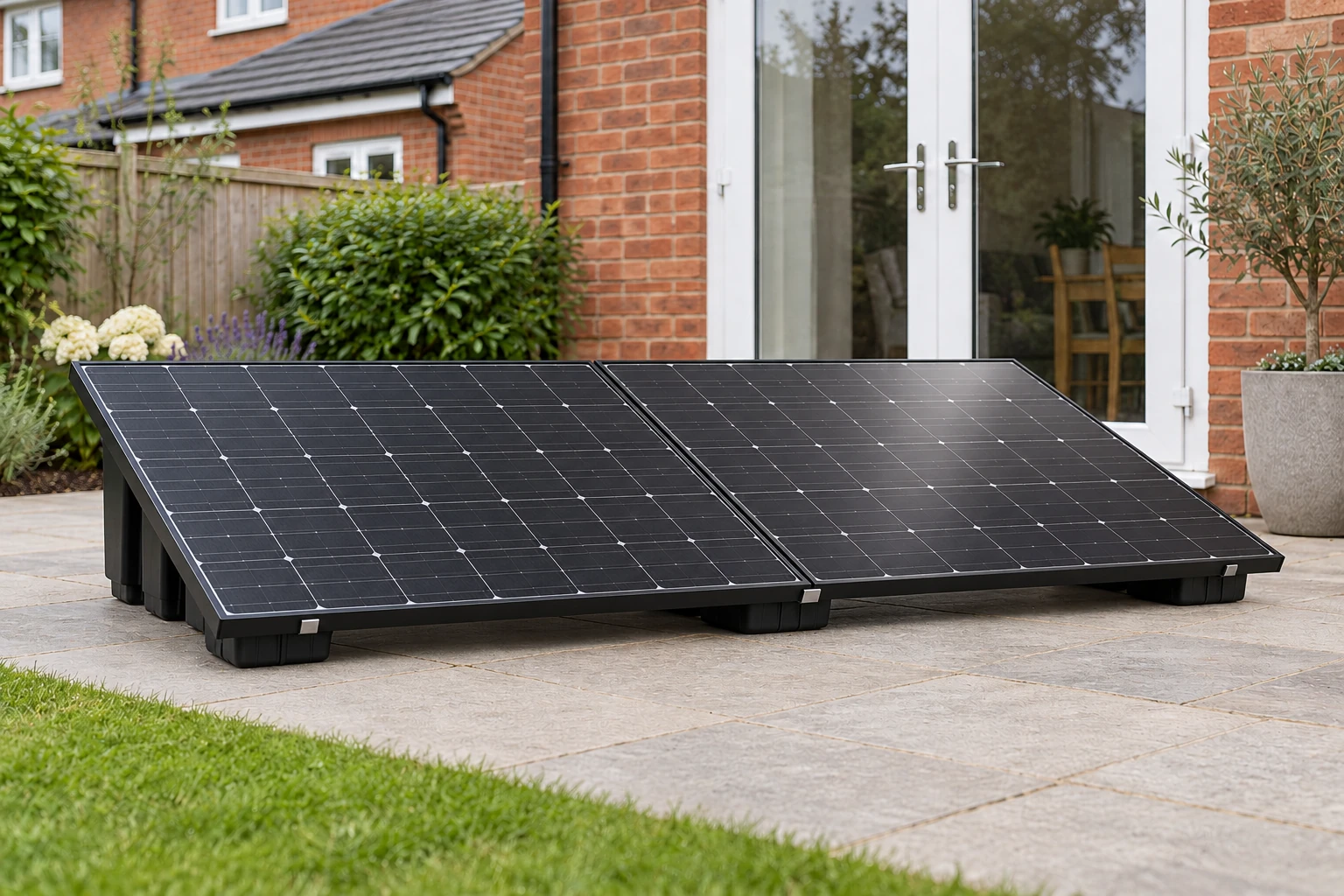
Learn how plug-in solar works: panels capture daylight, the microinverter converts it, and your home uses solar alongside the grid. Understand the connection before choosing your kit.
The panels produce DC electricity. A matched microinverter converts it to AC electricity for your home. Generation changes with the available daylight.
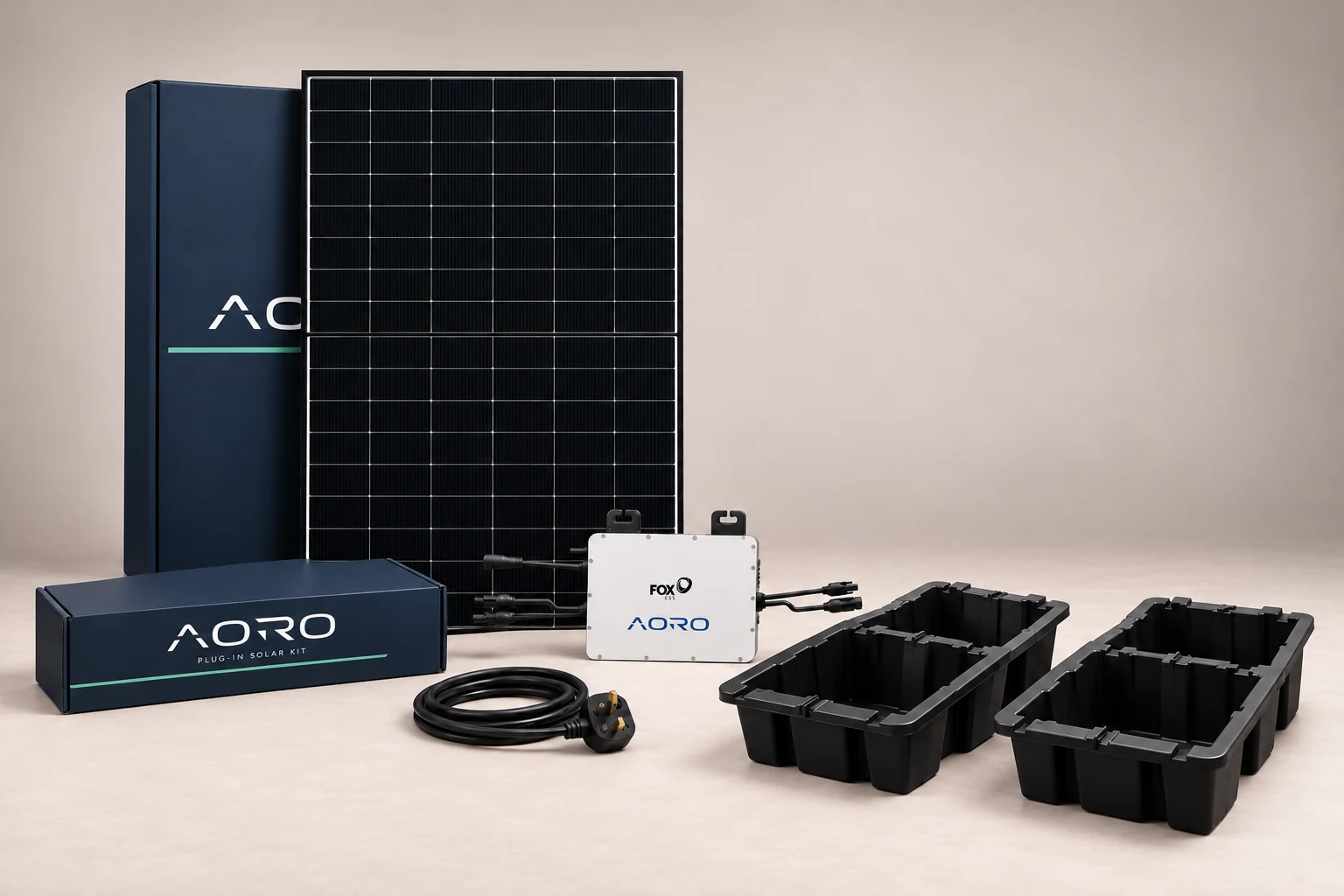
When generation and household demand coincide, some of that demand can be met by solar instead of imported electricity.
Your normal electricity supply continues to cover demand above the system’s output. A compact kit is not a whole-home power supply.
When output exceeds demand, surplus may flow to the grid. Being able to export does not automatically mean being paid for it.
A panel rating describes a laboratory test condition. Annual generation is measured in kWh; savings depend on how much of that energy you use and the price you would otherwise pay.
Background loads such as a fridge and router may use part of the generation. A kettle, oven or EV charger can need much more power than a compact kit provides.
Longer days usually provide more generation opportunities. Clouds, trees, nearby buildings and the panel position affect output. There is no generation without daylight.
Use the calculator to change generation, self-use and your unit rate. Its result is an illustration, not a forecast or guaranteed reduction in bills.
A prepared plug-in kit connects through its supplied 5 m UK lead to a suitable outdoor socket. Electrical Safety First advises checking the home installation before purchase or use: at least Type A bidirectional RCD protection, with Type AC upgraded first.
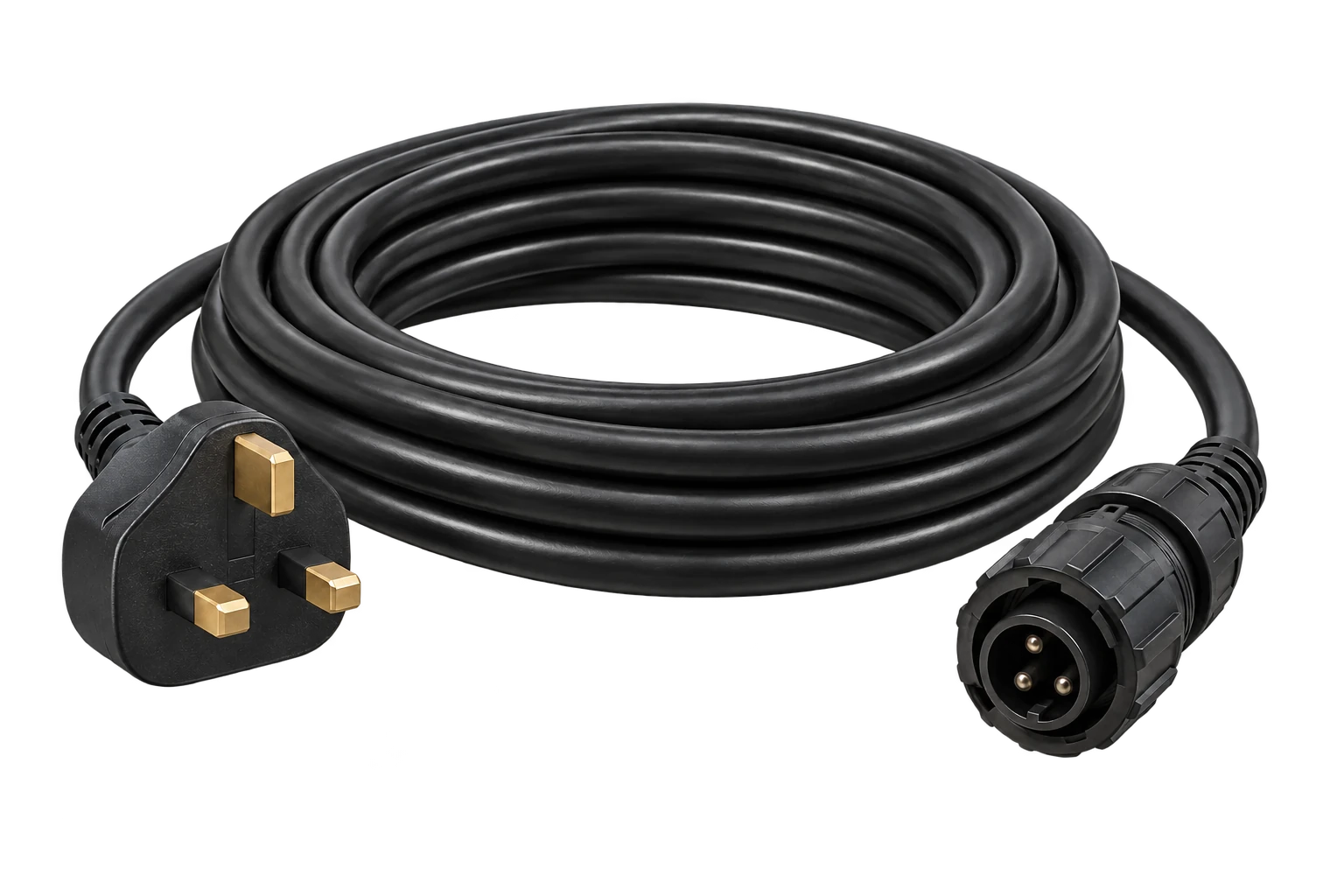
No extension leads, cable reels, multiway or travel adapters, or plug-in RCD adapters.
Use one plug-in solar system per household. Existing generation and storage need to be considered together.
A UK plug alone is not evidence of compliance. Follow the verified equipment and connection instructions.
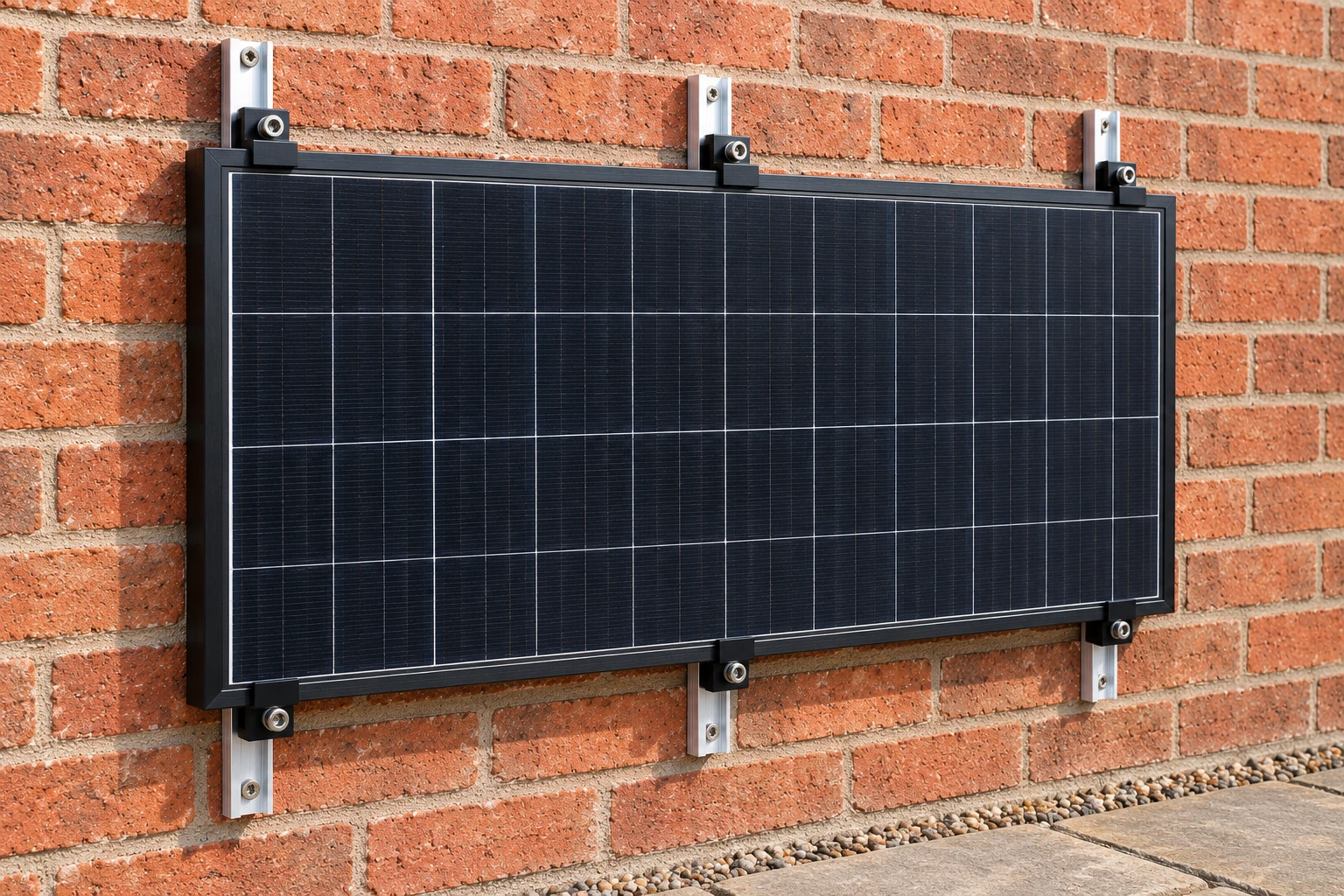
A ground mount and a wall mount have different fixing and stability requirements. Confirm panel dimensions, handling weight, clearances, wind exposure and the cable route.
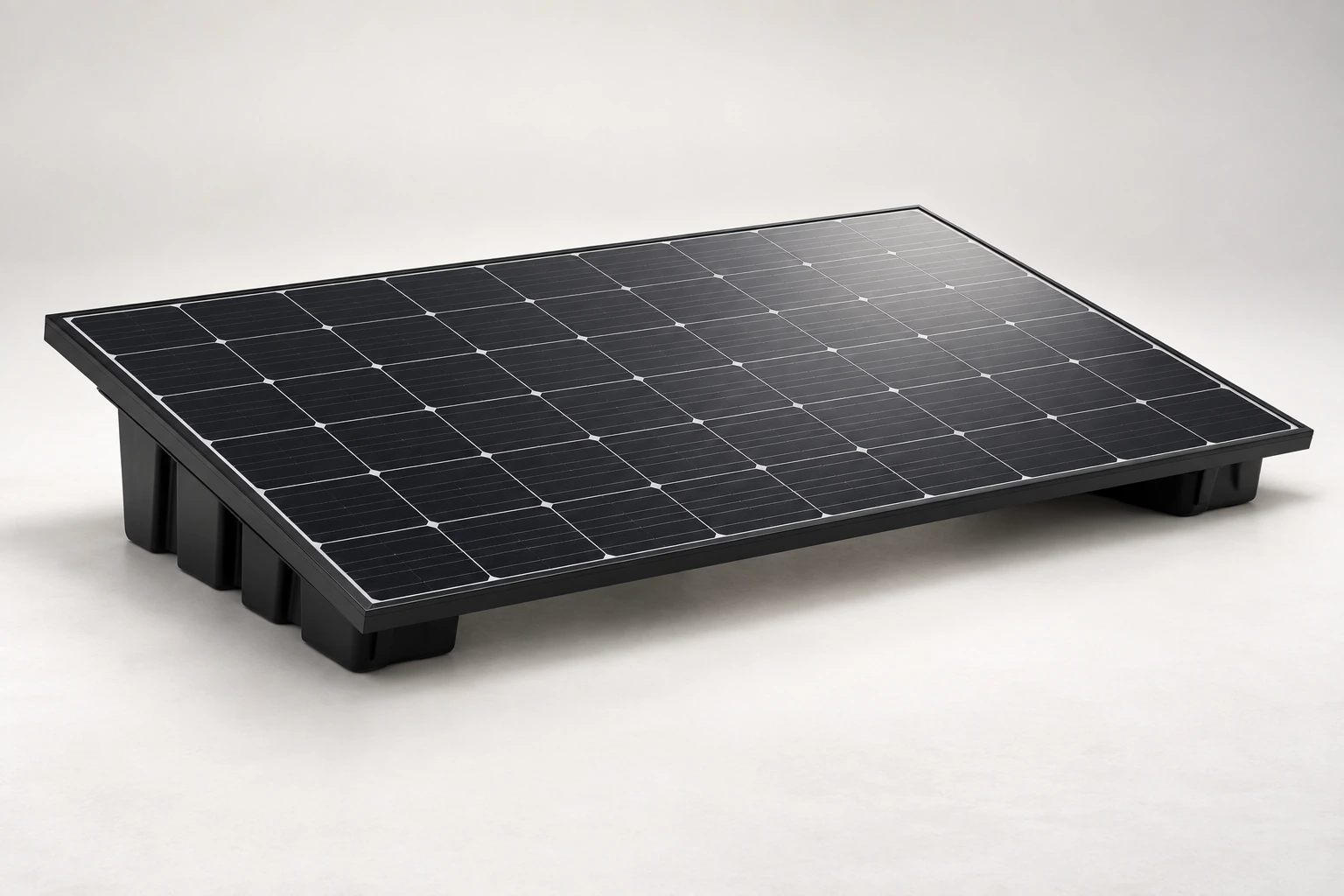
18° HDPE ballast supports: 1017 × 695 × 507 mm each. The landscape arrangement uses two supports for one panel and three for two. Add 100 kg of ballast per support: 200 kg for Single or 300 kg for Dual. Follow rail attachment and clearance instructions; exposed or elevated positions need a site assessment.
Confirm the wall material, structural suitability and correct fixings. Property permissions may be required.
Do not assume roof, railing, timber fence or balcony attachment is approved. Check the kit instructions and local planning requirements for your proposed position.
Register through the Energy Networks Association UK platform using your supplied device and installation details. Existing solar or storage must be considered together with the new equipment.
myplugin.solar is the UK registration platform operated by Energy Networks Association. It can send your plug-in solar notification to the network operator after you submit your registration.
Open UK device registration ↗Use the one-time code sent to your email address.
Enter your postcode and select the installation address.
Match the assessed device listing to the kit you received. Keep the model and serial details available; do not choose a different device or another supplier’s code.
Check the details and retain the registration confirmation with your AORO manual. Export payments are arranged separately with your electricity supplier.
If your device is not listed, the platform advises checking again after a few days because assessment may still be in progress. Contact plugin@aorosolar.co.uk if you need help identifying your supplied equipment.
The grid-connected microinverter stops supplying power when the mains supply is lost. Your appliances will not be powered by this kit during a power cut.
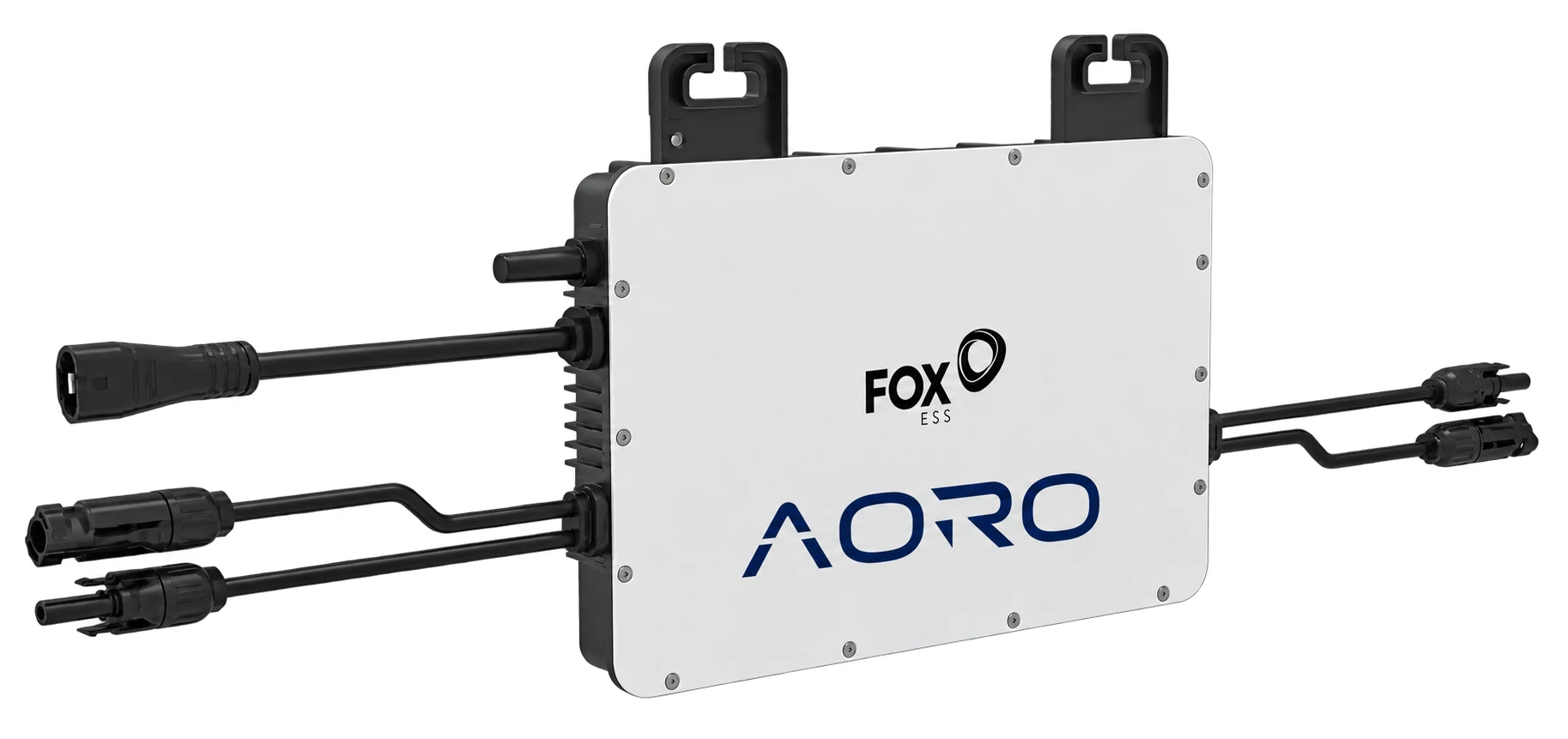
This solar kit contains no battery or emergency outlet. It contributes daytime energy while the grid is operating.
Both kits use the Fox ESS app. Create an Owner account, add your device and connect to 2.4 GHz Wi-Fi. See current power in W and generation over time in kWh; neither reading is a direct measurement of your bill savings.
Use the equipment within its approved environmental limits. Inspect safely for damage or loose supports. Do not modify the plug, wiring or protection.
Read the AORO owner manual, panel datasheets, Fox ESS operating guide and FoxCloud instructions together on the setup page.
Compare the kits, read the specifications and choose the setup that fits your home.
Secure your energy independence. Reduce grid reliance by up to 70%.